

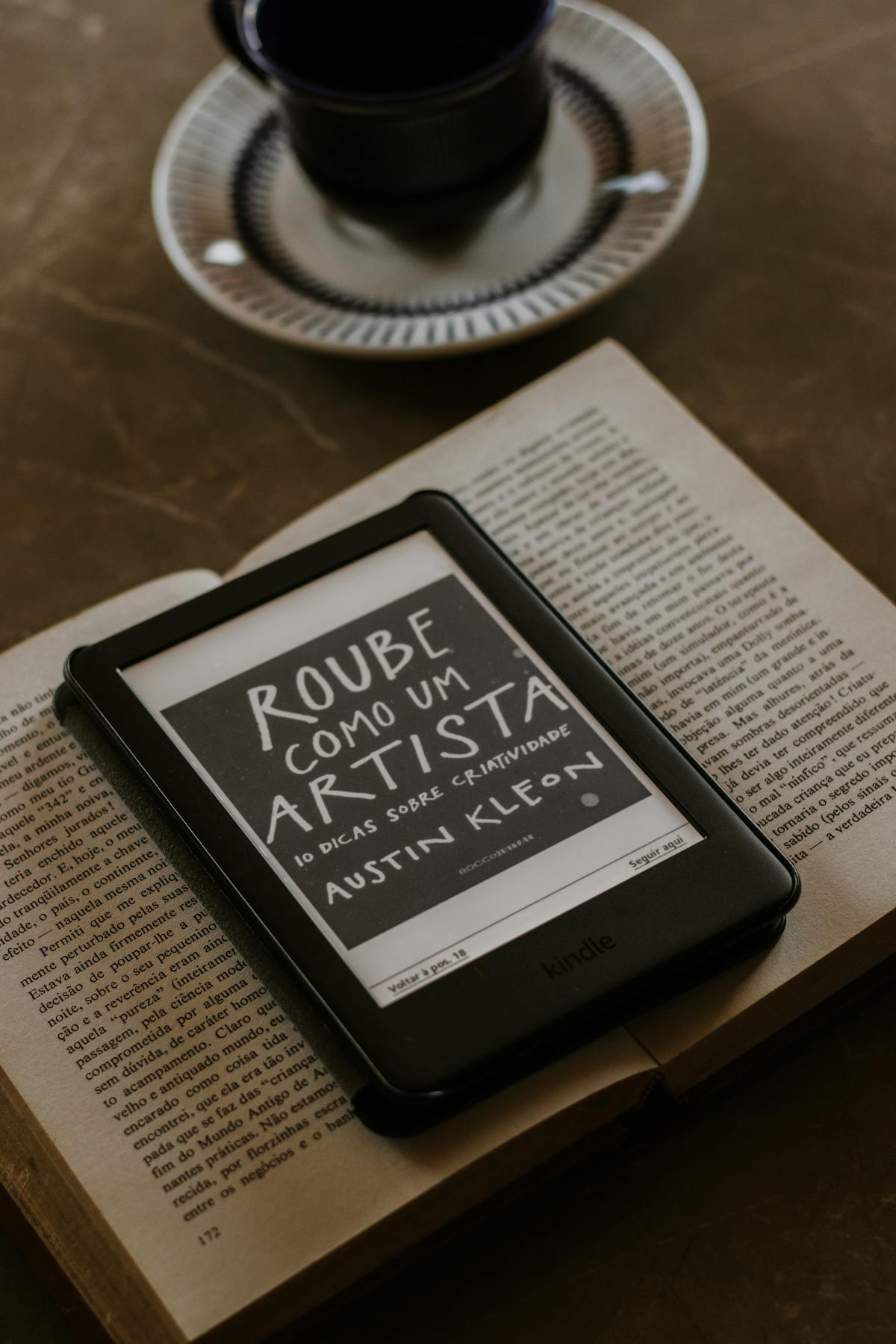
E-ink digital planning combines the tactile satisfaction of pen-on-paper with the organizational power of digital tools. This comprehensive guide covers everything you need to know about planning on devices like reMarkable, BOOX, Supernote, and Kindle Scribe.
What Is E-Ink Digital Planning?
E-ink (electronic ink) digital planning uses specialized tablets with paper-like displays to replicate the handwriting experience while offering digital convenience. Unlike traditional tablets with LCD or OLED screens, e-ink devices use the same technology found in Kindle e-readers—providing a glare-free, eye-friendly surface that feels remarkably like paper.
The magic happens when you combine these devices with hyperlinked PDF planners. These aren’t ordinary PDFs—they’re interactive documents with clickable navigation, allowing you to jump between months, weeks, and specialized planning sections instantly.
Why Choose E-Ink Over Traditional Tablets?
Eye Comfort: E-ink displays don’t emit blue light and use ambient light reflection, just like paper. You can plan for hours without eye strain—perfect for evening reflection sessions or morning planning routines.
Distraction-Free Environment: Unlike iPads or Android tablets, e-ink devices are purpose-built for reading and writing. No notification pings, no temptation to check social media, no app-switching. Just you and your thoughts.
Battery Life: E-ink displays only consume power when the screen changes. Expect weeks of use between charges, compared to daily charging with traditional tablets.
Paper-Like Writing: Modern e-ink devices feature textured screens and specialized styluses that create friction similar to pen on paper. Many users report their handwriting actually improves on e-ink.
Popular E-Ink Devices for Digital Planning
reMarkable 2
The reMarkable 2 is often called the gold standard for digital note-taking. Its 10.3-inch display and incredibly thin profile (4.7mm) make it feel like writing on a premium notebook. The CANVAS display technology provides 21ms latency—fast enough that your writing appears almost instantly.
Best for: Writers, minimalists, and those who want the purest paper-like experience. The reMarkable ecosystem is intentionally limited to keep you focused.
BOOX Note Air Series
BOOX devices run Android, giving you access to the Google Play Store while maintaining excellent e-ink writing quality. The Note Air 3 features a 10.3-inch Carta 1200 display with adjustable front lighting—perfect for planning in any environment.
Best for: Users who want flexibility. Install your favorite note-taking apps, sync with cloud services, or use specialized planning applications alongside PDF planners.
Supernote A5X and A6X2
Supernote emphasizes durability and longevity. Their ceramic-tip stylus never needs replacement, and the device receives regular firmware updates with community-requested features. The unique “Heart of Metal” stylus provides excellent writing feel.
Best for: Long-term planners who value sustainability and a company that listens to its community. Supernote’s build quality is exceptional.
Kindle Scribe
Amazon’s entry into the e-ink writing space combines Kindle’s legendary reading experience with note-taking capabilities. The 10.2-inch display and tight Kindle integration make it ideal for those already in Amazon’s ecosystem.
Best for: Avid readers who also want to plan digitally. Seamless integration with Kindle books and the ability to annotate directly in your reading material.
How Hyperlinked PDF Planners Work
A hyperlinked PDF planner transforms static pages into an interactive planning system. Here’s what makes them special:
Instant Navigation: Tap on a date in your monthly view to jump directly to that day’s page. Click a tab to access your goals section, habit tracker, or notes. No scrolling through hundreds of pages.
Layered Organization: Quality planners include yearly overviews, monthly spreads, weekly layouts, and daily pages—all interconnected. Some include specialized sections for project planning, finance tracking, or wellness monitoring.
Endless Reusability: Unlike paper planners, PDFs can be duplicated, reset, or archived. Start fresh anytime without buying a new planner.
Setting Up Your E-Ink Planning System
Step 1: Transfer Your Planner
Each device has its preferred transfer method:
- reMarkable: Use the desktop app, web interface, or USB transfer
- BOOX: Cloud sync, USB, or direct download via built-in browser
- Supernote: Supernote Cloud, USB, or Dropbox integration
- Kindle Scribe: Send to Kindle via email or USB transfer
Step 2: Organize Your Library
Create a dedicated folder for your planners. Consider organizing by year or purpose (work planner, personal planner, project planner). Keep your most-used planner easily accessible.
Step 3: Learn the Navigation
Spend 10 minutes exploring your planner’s navigation before you start writing. Understand how tabs work, where different sections live, and how to quickly return to your most-used pages.
Step 4: Establish Your Routine
The best planning system is one you actually use. Start with a simple routine—perhaps 5 minutes each morning to plan your day and 5 minutes each evening to reflect. Build from there.
Digital Planning Methodologies
Your e-ink planner can support virtually any planning methodology:
Time Blocking: Divide your day into dedicated blocks for specific activities. E-ink planners with hourly layouts work perfectly for this approach.
Bullet Journaling: Rapid logging, collections, and migration work beautifully on e-ink. The unlimited page space means you never run out of room for collections.
Getting Things Done (GTD): Use dedicated sections for your inbox, next actions, projects, and someday/maybe lists. Hyperlinked navigation makes weekly reviews efficient.
Goal Setting: Many planners include yearly goal-setting sections, quarterly reviews, and monthly check-ins to keep you aligned with your bigger picture.
Tips for Effective E-Ink Planning
Use Different Pen Thicknesses: Most e-ink devices offer multiple pen options. Use thicker strokes for headings and thinner ones for details. This visual hierarchy makes scanning your plans easier.
Leverage Layers (If Available): Some devices and apps support layers. Use one layer for your planner template and another for your writing—making it easy to erase mistakes without affecting the template.
Create Quick Access Bookmarks: Most e-ink devices let you bookmark pages. Mark your current week, important project pages, and frequently-accessed sections.
Regular Backups: While e-ink devices are reliable, always back up your planners. Most devices offer cloud sync or easy export options.
Choosing the Right Planner Design
Consider these factors when selecting your digital planner:
Layout Preference: Do you prefer vertical or horizontal weekly spreads? Timed or untimed daily pages? Some planners offer both—test different layouts to find your preference.
Dated vs. Undated: Dated planners provide structure but may waste pages if you skip days. Undated planners offer flexibility—start anytime, skip weekends if needed.
Specialized Sections: Consider what you need beyond basic planning. Finance trackers? Habit monitoring? Project management? Reading logs? Choose a planner that matches your life.
Aesthetic Style: You’ll look at your planner daily—choose a design that appeals to you. Minimalist layouts reduce visual clutter; decorated planners add personality.
Frequently Asked Questions
What is the best e-ink device for digital planning?
The best e-ink device depends on your needs. reMarkable 2 offers the purest paper-like experience for minimalists. BOOX devices provide Android flexibility with app access. Supernote excels in durability with its ceramic stylus. Kindle Scribe integrates seamlessly with Amazon’s ecosystem for readers.
Can I use any PDF planner on my e-ink device?
Yes, standard PDF planners work on any e-ink device that supports PDF annotation. However, planners optimized for your specific screen size (10.3-inch for most devices) provide the best experience with properly sized text and navigation elements.
How do I transfer a digital planner to my reMarkable?
Transfer planners to reMarkable using the desktop app, web interface at my.remarkable.com, or USB connection. Simply drag and drop your PDF planner file, and it syncs automatically to your device.
Are digital planners better than paper planners?
Digital planners offer advantages over paper: unlimited space, easy mistake correction, searchability, backup capability, and no annual repurchasing. However, some prefer paper’s tactile feel. E-ink devices bridge this gap by providing paper-like writing with digital benefits.
How long do e-ink tablets last?
E-ink displays are extremely durable with no burn-in risk. With proper care, expect 5-10+ years of use. The main limitation is typically battery degradation over time, which is replaceable on some models like Supernote.
Can I add pages to a PDF planner?
Most e-ink devices allow adding blank pages or linked notes to any page in your planner. This effectively gives you infinite space to expand any section as needed.
Getting Started Today
E-ink digital planning isn’t just a trend—it’s a genuine improvement in how we organize our lives. The combination of distraction-free writing, paper-like feel, and digital convenience creates a planning experience that many find superior to both traditional paper and tablet planning.
Whether you’re a seasoned planner looking to go digital or a newcomer seeking structure, e-ink devices paired with well-designed hyperlinked planners offer the best of both worlds.
Ready to start your e-ink planning journey? Browse our collection of digital planners designed specifically for reMarkable, BOOX, Supernote, and Kindle Scribe. Each planner features intuitive hyperlinked navigation, beautiful layouts, and the flexibility to match your unique planning style.
Related Articles
- Getting Started with Digital Planning – A beginner’s complete guide
- Best Apps for Digital Planning – Top software recommendations
- How to Upload PDF to reMarkable – Step-by-step transfer guide
- How to Use Your Digital Planner – Making the most of your planner
Start Your E-Ink Planning Journey
Ready to experience distraction-free digital planning? Our planners work on all major e-ink devices:
- Ultimate reMarkable Planner 2026-2027 – Works on reMarkable, BOOX, Kindle Scribe & Supernote
- reMarkable Color Planner – Optimized for color e-ink displays
- Digital Notebook for E-Ink Tablets – Flexible notebook for any e-ink device
Frequently Asked Questions
What is e-ink digital planning?
E-ink digital planning uses electronic ink tablets like reMarkable, Kindle Scribe, BOOX, or Supernote with PDF-based digital planners. The e-ink display mimics paper, providing a distraction-free writing experience with weeks of battery life and zero eye strain from blue light.
Which e-ink tablet is best for digital planning?
The best e-ink tablet depends on your needs. The reMarkable Paper Pro offers the best writing experience with color support. The Kindle Scribe is most affordable and integrates with Amazon services. BOOX tablets provide Android flexibility with app support. Supernote offers the most durable stylus that never needs replacement.
Can I use any digital planner on e-ink tablets?
E-ink tablets work best with PDF-based digital planners that have hyperlinked navigation. Planners designed for iPad apps like GoodNotes may not display correctly. Look for planners specifically optimized for e-ink displays with grayscale or color e-ink support.
Device-Specific Guides: Explore our guides for reMarkable Paper Pro, Kindle Scribe, BOOX Note Air4 C, and Supernote Nomad.